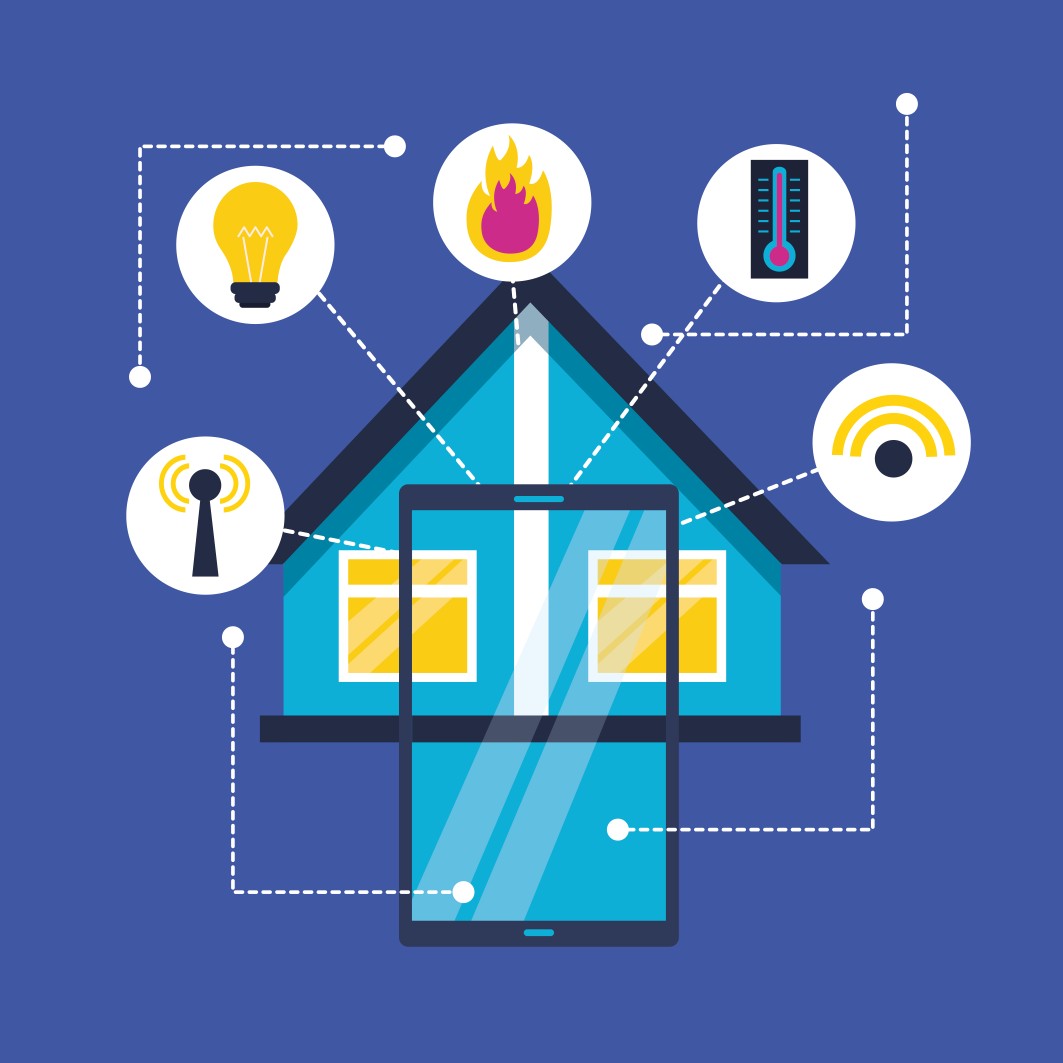
Ensuring safety with electric devices all around the house
This is a critical topic as our homes fill with smart speakers, robot vacuums, smart plugs, cameras, and connected appliances. Safety isn't just about electricity anymore; it involves data privacy, fire prevention, and physical hazards.
Here is a practical guide to ensuring safety with devices all around the house, broken down by risk category.
1. Electrical & Fire Safety (The #1 Priority)
The biggest risk from any device is still overheating and electrical faults.
-
Don't Daisy-Chain Smart Plugs: Never plug one smart plug or power strip into another. This overloads the first device in the chain.
-
Watch for "Always On" Devices: Devices with motors (fans, space heaters, refrigerators) can cause relay failures in cheap smart plugs. Never use a smart plug with a space heater unless it is specifically rated for high-wattage resistive loads (most are not).
-
Check for Warmth: Once a month, touch your smart plugs, chargers, and power strips. If any are hot to the touch (not just warm), unplug and replace them.
-
Lithium-Ion Caution: Devices with built-in rechargeable batteries (vacuums, speakers, toothbrushes) should never be left charging overnight on soft surfaces like beds or couches where heat can't dissipate.
2. Physical Safety (Trips, Falls, & Children)
A "helpful" device can become a dangerous obstacle.
-
Robot Vacuum Scheduling: Never schedule a robot vacuum to run at night while you sleep. You might get up to use the bathroom and trip over it or have its cord get tangled around your feet. Run it only when you are awake and moving around.
-
Cord Management: Use cord covers or clips for cables running across floors. A single loose USB-C cable from a nightstand charger can act as a garrote or tripwire for a toddler.
-
Secure Tall Devices: If you have a smart display (like an Echo Show or Nest Hub) on a tall dresser, ensure the dresser is anchored to the wall. A child pulling on a dangling charging cable can bring the whole thing down.
3. Cybersecurity & Privacy (The Invisible Danger)
Every connected device is a potential entry point for hackers, which can lead to physical risks (e.g., someone unlocking a smart lock or overheating a smart plug).
-
Change Default Passwords NOW: If your camera or smart lock has a default username/password (like "admin/admin"), a hacker can join your network and watch your kids or unlock your door.
-
Use a Separate Wi-Fi Network (IoT VLAN): Most modern routers allow a "Guest Network." Put all your smart bulbs, plugs, and cameras on the Guest network. If a cheap smart bulb gets hacked, the hacker cannot reach your computer or phone.
-
Audit Your Camera Views: Walk through your house and look at every camera (baby monitors, pet cams, doorbells). Ensure none are pointing at a bathroom door or a changing table. Hackers actively search for unsecured home cameras.
4. Device-Specific Critical Rules
| Device | Danger | Safety Rule |
|---|---|---|
| Smart Locks | Battery death locking you out | Keep a physical key hidden outside. Replace batteries when the "low battery" warning appears (usually 1-month lead time). |
| Space Heaters | Fire | Only use manual smart plugs (not electronic/touch-controlled). Better yet, use a heater with a built-in thermostat and tip-over switch. |
| Air Fryers / Instant Pots | Melting / Fire | Never leave them running unattended. Do not put them directly under upper cabinets (steam damages wood). |
| Smart Speakers (Alexa/Google) | Privacy leaks | Review "voice history" weekly. Mute the microphone in bedrooms or home offices during sensitive conversations. |
| Electric Blankets | Overheating / Fire | Never fold a powered blanket. Folded wires generate heat. Do not use a smart plug to automate turning it on/off (use its own controller). |
5. The "Night Mode" Safety Routine
Before you go to bed or leave the house for more than 4 hours, do this 60-second check:
-
Unplug: Countertop devices (toaster, air fryer, coffee maker) that don't have automatic shutoffs.
-
Verify: Check that the stove/oven is off (do not trust a smart plug to turn it off; use visual confirmation).
-
Block: Ensure robot vacuum sensors are clean and its charging dock is away from curtains.
-
Lock: Confirm smart locks are actually locked (most apps show status, but listen for the deadbolt sound).
When to Throw a Device Away
If you notice bulging on a device's casing (especially on a phone, laptop, or smart plug), that is a lithium-ion battery about to catch fire. Do not just throw it in the trash. Place it in a metal container of sand or cat litter and take it to an electronics recycling center immediately.
The Golden Rule: Automation should assist you, not override common sense. If a smart plug lets you turn on a hair iron remotely, that doesn't mean you should. Always physically verify high-heat devices are off before leaving.
By Jamuna Rangachari
.jpg)

Discussion (0)
No comments yet. Be the first to comment!
Leave a Comment
You need to login to post a comment.